
Start With the Renewal Bill
A larger renewal bill is a reason to review your hosting, but a cheaper headline price is not enough to choose a replacement. First, find out what changed: did an introductory discount end, did the standard rate change, or were extra services added?
Check the renewal date, number of months charged, currency and tax. Separate website hosting from domain registration, email, backups and software licences. A domain renewal is a different purchase from hosting, even when both appear on one invoice.
If the existing plan still fits your website, ask what the next full term will cost. Compare that figure with a new host’s first payment and its standard renewal—not just the number printed beside “per month.”
Compare the Same Number of Months
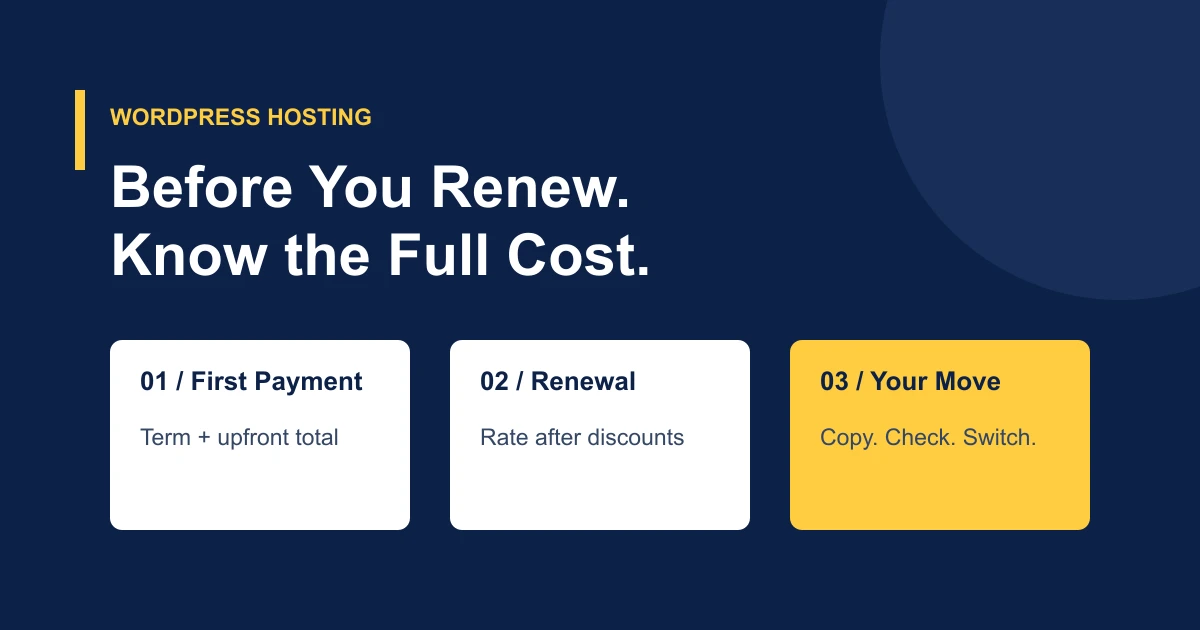
Write down the amount due now and the amount due at the next renewal. An advertised monthly equivalent can require a year or three years paid upfront. A lower equivalent does not mean a smaller payment today.
| Check | Why It Matters |
|---|---|
| Billing term and upfront total | A monthly plan and a 36-month prepayment have different cash requirements. |
| Standard renewal total | A first-payment coupon may not apply again. |
| Included services | Email, backups and security tools can affect the total cost. |
| Resource limits | Check website count, CPU, memory and storage against your actual needs. |
| Domain and licences | Keep charges separate from hosting, including any first-year-only offers. |
For a fair comparison, use: hosting payments over your chosen period + required extras + any overlap with your old service. Include taxes where applicable. Keep currencies consistent.
Understand the First-Payment Discount
A promotional discount is useful when its limits are clear. At TrentaHost, FIFTYOFF25 discounts the first payment only. Renewal is at the standard rate for the term you select, without that coupon.
For example, the Basic monthly hosting rate is $2.95 USD. A 50% first-payment discount makes the initial hosting payment $1.48 after rounding, before tax and extras. The next monthly hosting payment is $2.95. Coupon eligibility is checked at checkout.
The three-year Basic term has a lower monthly equivalent: $1.95, with $70.20 paid for 36 months before any eligible coupon, taxes or extras. That is a longer commitment, not monthly billing. Check the current WordPress plans and billing terms before deciding.
Check What Your WordPress Site Actually Needs
Start with storage used by files, the database and email. Then check resource warnings, traffic patterns and the work your site does. A brochure website and a busy store may need very different allocations, even if both run WordPress.
Ask what “managed” means for the plan. Hosting support, plugin updates, custom-code debugging and ongoing website development are different responsibilities. Confirm the tasks you need rather than assuming a product label includes them all.
TrentaHost’s WordPress plans use its Web Hosting service, with cPanel, LiteSpeed and LSCache, SSD storage, domain email and seven days of JetBackup history. Send the team any specific maintenance or compatibility requirements before ordering.
You Can Keep Your Domain and Existing Website
Changing hosting does not require changing your domain name. You can leave registration with its current provider while pointing the website’s DNS records to the new hosting. A domain transfer is optional and has its own requirements.
A WordPress migration moves your existing files and database; it is not a redesign. Plan to check pages, images, forms and logins on the transferred copy. Preserve email records if your mail runs elsewhere. If mailboxes are on the old hosting, agree how they will be moved before cancelling that account.
Keeping the same public URLs avoids an unnecessary URL-change project. Test the new copy, coordinate the DNS switch and monitor access afterward. These steps follow the approach in Google’s guidance on changing hosting; they do not guarantee unchanged rankings.
Do Not Cancel Before the Move Is Complete
Start planning while the old site is still running. Tell your new host the renewal date, but leave time for access checks, copying and testing. Allowing a short overlap may be more practical than rushing a business website move on its final day.
Stores, booking systems and membership sites need particular attention to changes made during the transfer. Agree a final copy window and how new orders or sign-ups will be handled. Do not assume every site can move on the same schedule.
Keep independent backups. Cancel only after the website and any agreed email transfer are complete and traffic is reaching the new service. Our WordPress migration checklist covers the preparation in more detail.
When Switching Is Worth Considering
Moving is worth considering when the total cost and included service fit your needs better, and you have a workable transfer plan. Staying may be sensible if your existing package provides specialist work you would otherwise pay for separately. Compare the whole arrangement, not the discount alone.
With TrentaHost, website migration is included with the WordPress hosting plans. Choose your plan, open a ticket, and our team will request access securely and help arrange the move. Review our WordPress migration service, or ask about your website before ordering.
Compare Your Next WordPress Hosting Plan
See the term, upfront payment and standard renewal rate. Website migration is included with hosting.
View WordPress Plans ↗